
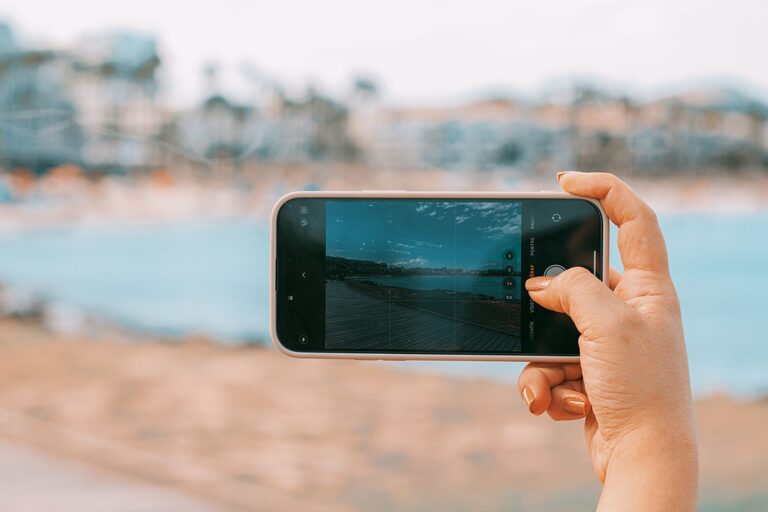
Taking great photos with your phone is easier than you might think. With the right techniques and a little practice, you can capture stunning images that rival those taken with professional cameras. Whether you’re using an iPhone, Android, or any other smartphone, these beginner tips will help you take better phone photos every time.
Understand Your Phone Camera
Before diving into photography techniques, spend some time exploring your phone’s camera features. Most smartphones offer a variety of settings like HDR, portrait mode, night mode, and manual controls. Knowing what these options do will help you make the most of your camera.
Tips to Explore Your Camera:
– Open the camera app and try different shooting modes.
– Look for additional settings such as gridlines, timer, and exposure.
– Practice switching between front and rear cameras.
– Check if your phone supports RAW image capture for more editing flexibility.
Composition Basics to Improve Your Photos
Great photos often come down to how you frame your subject. Composition is the arrangement of elements in your image, and even simple adjustments can dramatically improve your shots.
Use the Rule of Thirds
Most smartphones allow you to turn on gridlines, dividing the screen into nine equal parts. Position your subject along these lines or at their intersections to create more balanced and engaging photos.
Avoid Clutter
Keep your background clean and simple so the main subject stands out. A busy background can distract from the focus of your photo.
Try Different Angles
Experiment with shooting from various angles: get low, shoot from above, or move around your subject to find the most interesting perspective.
Lighting Is Key
Lighting plays a crucial role in photography. The better your lighting, the clearer and more vibrant your photos will be.
Natural Light Works Best
Whenever possible, use natural light. Early morning or late afternoon light (sometimes called golden hour) produces warm, soft tones that enhance your photos.
Avoid Harsh Midday Sun
Strong overhead sun can create unflattering shadows and highlights. If you’re shooting in bright sunlight, try to find some shade or use the sun as a backlight.
Use Your Phone’s Flash Sparingly
Phone flashes can cause harsh lighting and unnatural colors. Instead of relying on the flash, try to find better natural light or use other light sources.
Keep Your Phone Steady
Blurry photos are often caused by camera shake. Simple steps can help keep your phone steady for sharper images.
Hold Your Phone Correctly
Use both hands to hold your phone and keep your elbows tucked close to your body for stability.
Use a Tripod or Support
Using a small tripod or resting your phone on a stable surface reduces movement and helps in low light situations.
Use the Timer or Voice Control
Setting a timer or using voice commands to take the picture prevents shaking caused by tapping the screen.
Focus and Exposure Tips
Getting the right focus and exposure ensures your photos are sharp and well-lit.
Tap to Focus
Most phones let you tap on the screen to focus on a specific subject. This also helps adjust exposure for that area.
Lock Focus and Exposure
Once focused, many phones allow you to lock focus and exposure by holding your finger on the screen. This prevents changes if you move slightly before shooting.
Adjust Exposure Manually
If your photo looks too bright or too dark, try adjusting the exposure slider that appears after tapping to focus.
Use Editing Apps
Editing your photos can enhance colors, sharpness, and overall appearance. There are many free and easy-to-use photo editing apps available.
Basic Edits to Try
– Crop and straighten your photos for better composition.
– Adjust brightness, contrast, and saturation for a balanced look.
– Use filters sparingly to enhance the mood without overdoing it.
Popular Editing Apps
Some beginner-friendly apps include Snapseed, VSCO, and Lightroom Mobile.
Practice and Experiment
The best way to improve your phone photography is to keep practicing. Try photographing different subjects like landscapes, portraits, food, or pets. Experiment with light, composition, and editing to develop your personal style.
Keep a Photo Journal
Consider creating albums or folders to track your progress and note what works best.
—
By incorporating these beginner tips into your phone photography routine, you’ll start capturing better photos with confidence. Remember, the best camera is the one you have with you, and your smartphone is a powerful tool waiting to help you create beautiful images. Happy shooting!